
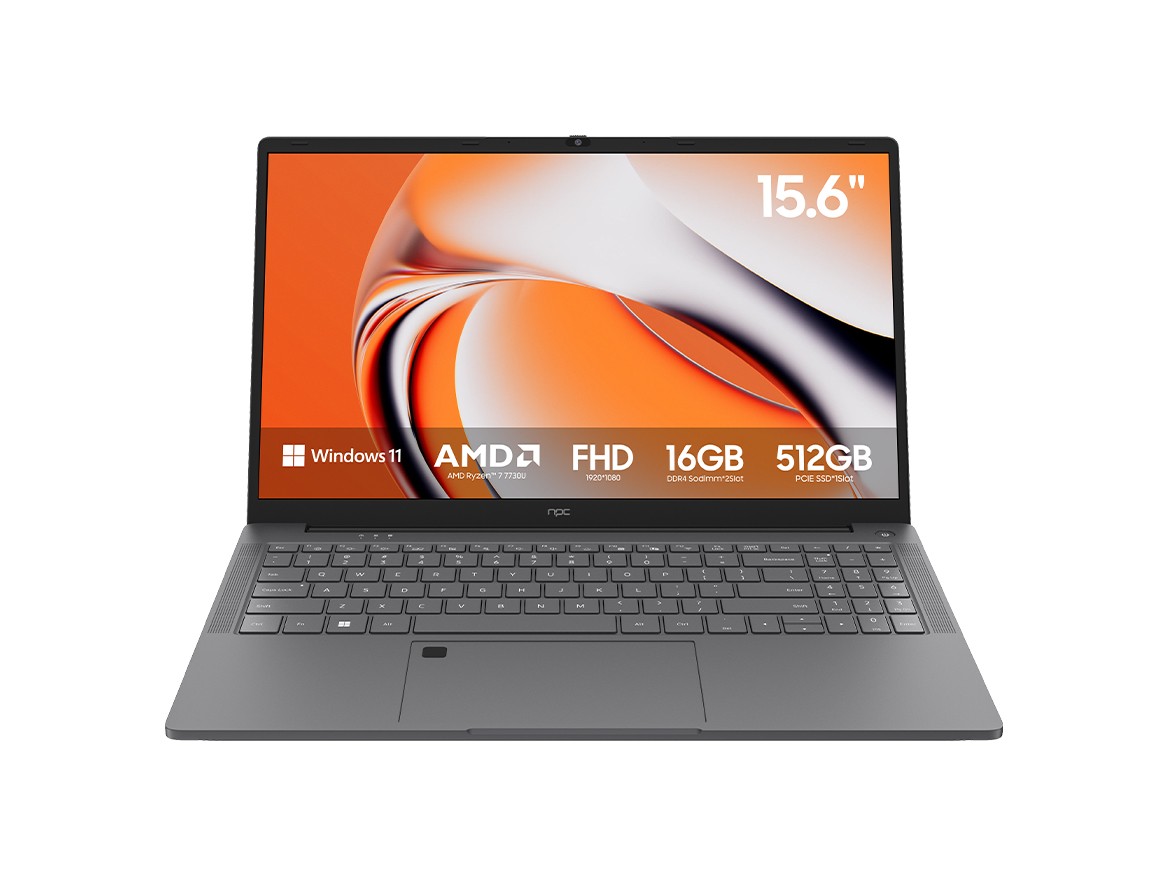
Problem: fragmented project visuals and procurement waste
Project teams often lose time because plans live in many places — spreadsheets, emails, and personal laptops — while stakeholders expect the same shared view. That gap causes rework, mismatched specifications, and wrong purchases. Mounting a large, single-pane display in the meeting room and pairing it with a reliable monitor manufacturer cuts those gaps: everyone reads the same drawing, notes, and BOM at once, so decisions become clear and purchases align with on-site needs.

Experience and authority: what I’ve learned working with displays and procurement
Years working alongside AV integrators and procurement officers, and visits to Computex in Taipei where panel makers and system vendors debut real demos, show one truth — visible consensus beats memos. Practical tests at trade shows and on client sites let teams compare refresh rates, colour fidelity, and remote-management features before they buy. That hands-on comparison is why many planners now refer to lists of the best monitor manufacturers when they specify screens for control rooms, training suites, and client presentation spaces.
How Tizen OS fixes specific planning and purchasing problems
Tizen brings three clear advantages: a stable app ecosystem for whiteboarding and scheduling; centralized device management for firmware and settings; and predictable performance across brands using the same platform. Use Tizen’s web-app model to host your project dashboards so every stakeholder sees the latest gantt, costs, and material lists. Use a single admin account to push configuration templates to all displays so procurement orders use the same size, ports, and mounting spec — fewer returns and faster installs.
Concrete steps teams can follow today
Start by standardising one display spec for common rooms; test that spec with a pilot team; deploy project dashboards as a web app that runs on Tizen; set up a device-management policy that locks resolution and input defaults; run a purchasing checklist that ties SKU numbers to confirmed room measurements. Each step removes a source of mismatch between planning and buying.
Common mistakes that still cause waste
Buying based on price alone, neglecting mounting depth and cable runs, assuming every vendor supports the same remote management API, and skipping a pilot install are the usual culprits. Avoid swapping screen sizes late in the schedule — that often forces new mount orders and delays. Confirm the room acoustics and daylight levels before fixing the display brightness and anti-glare requirements.
When Tizen isn’t the only good choice
Android TV and webOS offer broad app stores and device variety; choose them if you need a specific third-party app not available on Tizen. But weigh the trade-off: mixed OS fleets mean more admin overhead and inconsistent behaviour during remote demos. If your priority is consistent behaviour across rooms and simple centralized control, Tizen often wins for project-focused workflows.
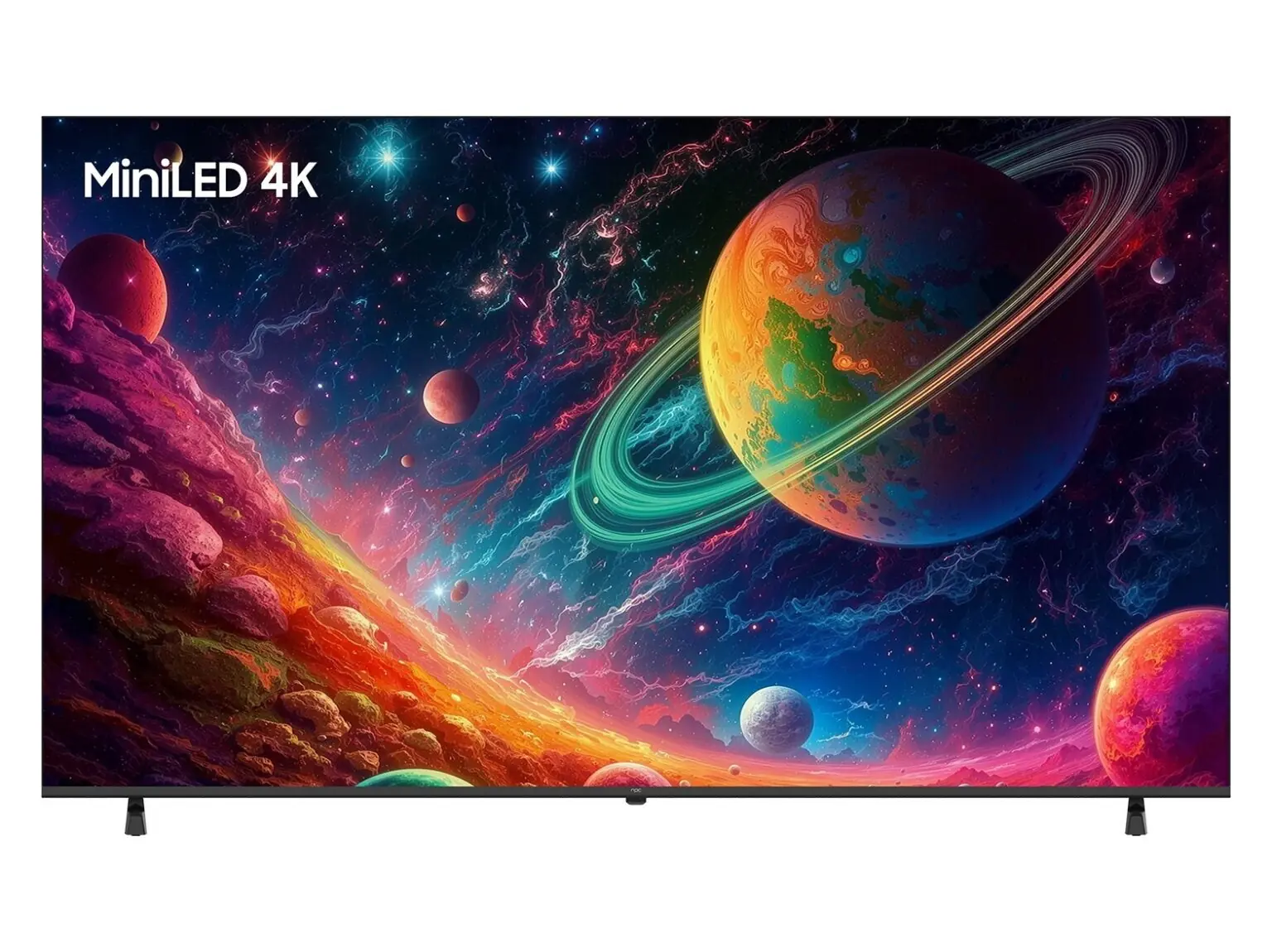
Final thought
Problems start when teams see different things. Use uniform displays, unified apps, and consistent device management so planning maps directly to purchasing. That clarity reduces returns and speeds installs, which is why project teams working with integrators often choose a consistent supplier and platform — for many, that reliable supply chain and product knowledge sits with npc.