
Opening comparison
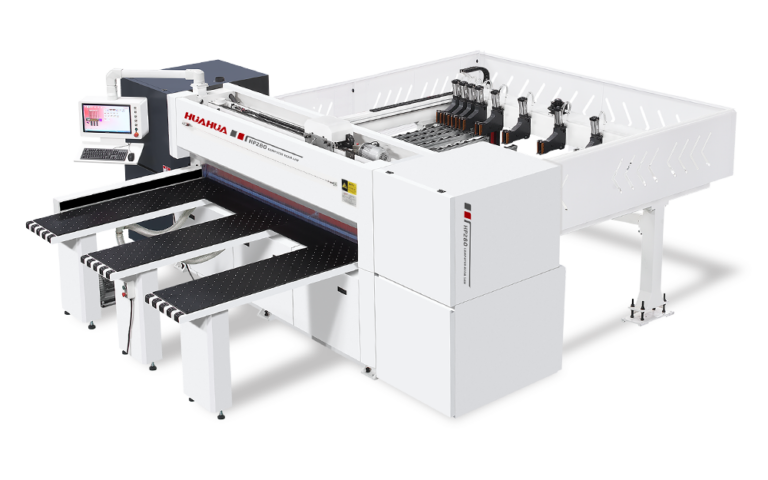
When a small factory chooses between a sliding table saw, a beam saw or a CNC panel saw, that choice reshapes production flow and margins; a close look at cut quality, nesting efficiency and floor footprint shows why a cnc woodworking machine often sits at the center of the conversation. This piece compares machine types against the realities of tighter budgets, mixed product runs and limited skilled labor so owners can match a machine to real shop needs.
What to measure first
Focus on three clear metrics: dimensional accuracy, usable throughput, and material yield. Accuracy matters for parts that must fit without sanding—expect CNC-guided systems to hold around 0.1 mm repeatability when properly set up. Throughput depends on nesting strategy and load/unload time; measure how many panels a system can process per shift under typical shop conditions, not in a marketing spec sheet. Material yield is about saw kerf, offcuts and software-driven nesting; tighter nesting lowers raw-material spend. Also weigh operator time and training—automation reduces repetitive touches but requires basic CNC literacy.
How the main machines compare
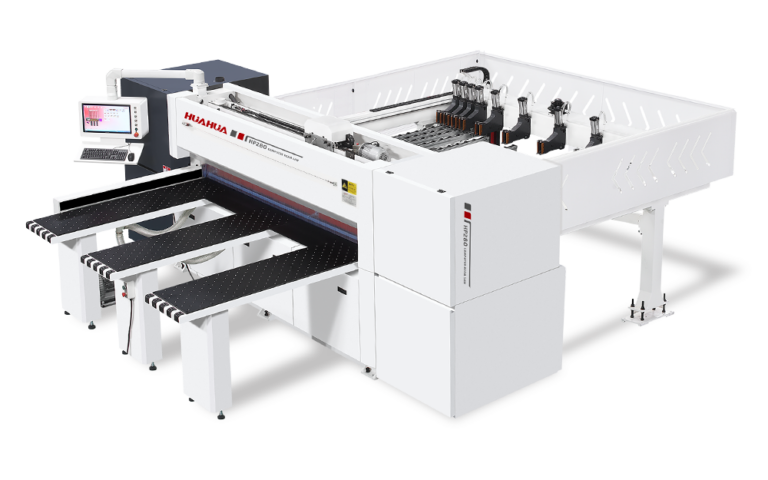
Sliding table saws are simple, fast for straight crosscuts and familiar to cabinet shops; they need skilled operators for consistent yield. Beam saws excel at high-volume, linear splitting of large panels with minimal setup; they serve production lines that batch identical panels. CNC panel saws add nesting, automated offcut handling and programmable sequences; they compress manual steps and minimize human error. Choose sliding tables for low-mix, manual shops; beam saws for large-volume, repetitive runs; CNC panel saws for mixed SKUs, smaller runs and design-driven shops that need nesting and part labeling.
Real-world signal
At the AWFS Fair in Las Vegas, suppliers and shops demonstrated how nesting software, on-board optimization and simple automation actually change operator roles—operators become planners and quality checkers rather than full-time saw feeders, and a cnc machine for wood work can be the pivot between handwork and scalable production. That trade show consistently highlights practical trends: software matters more than extra horsepower, and on-site service networks shorten downtime.
Common mistakes to avoid
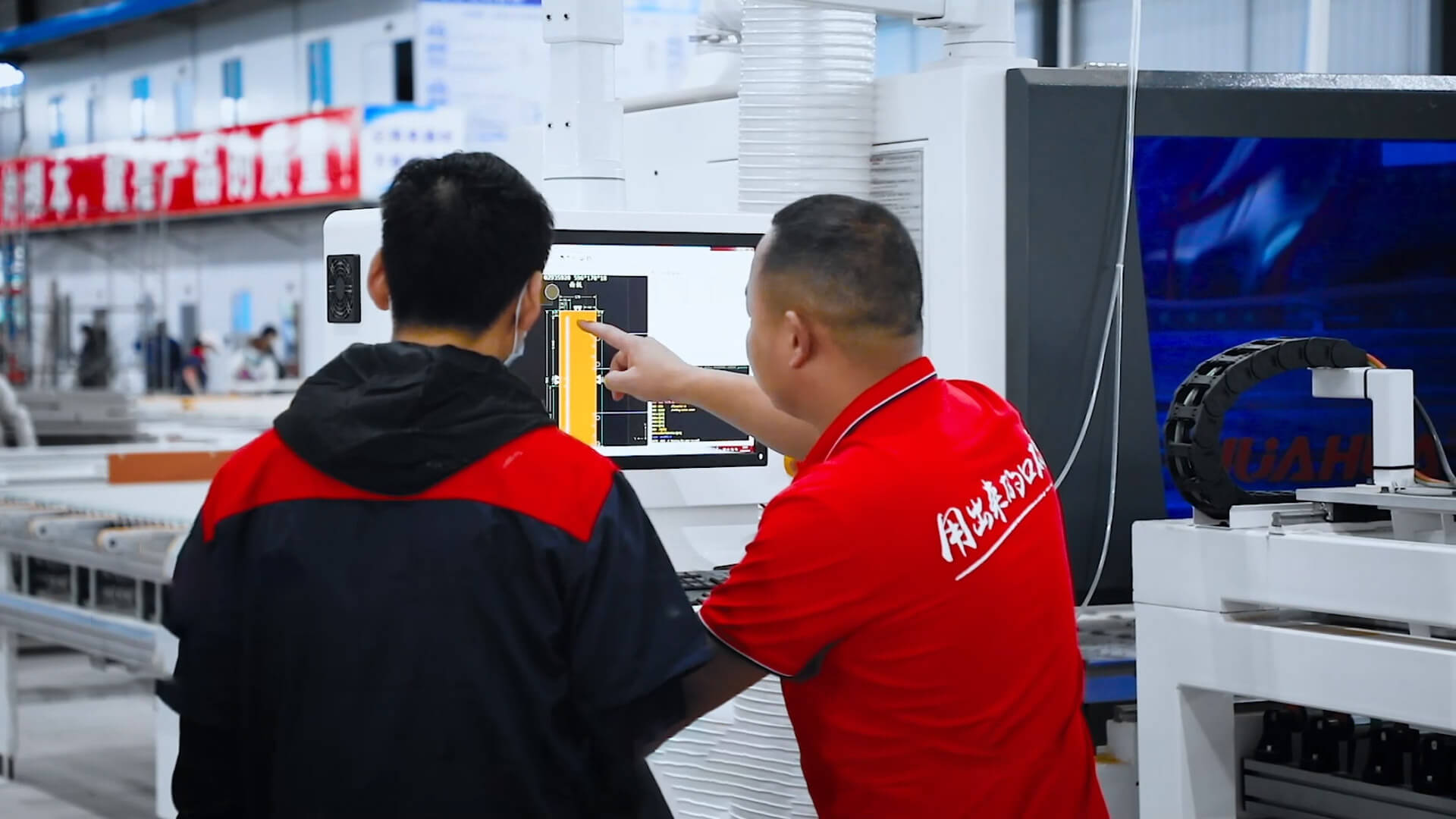
Buying based on peak capacity rather than typical demand wastes capital. Ignoring dust collection and chip flow leads to lost accuracy and maintenance headaches. Overlooking software compatibility means parts lists and nesting get manually re-entered. Skimping on after-sales support or spare parts increases downtime risk. Finally, under-training staff turns automation into a bottleneck; plan 20–40 hours of hands-on training for operators new to CNC nesting systems.
Decision checklist for emerging manufacturers
Be concrete. Define your dominant product mix (flat panels vs. shaped parts), average batch size, acceptable floor footprint, and who will program the machine. Verify local service response times and parts availability. Test a real nest with your own files and materials; don’t accept demo nests as proof. Ask for measured cycle times on your panels and confirm the machine’s ability to label and separate parts if your workflow needs that. Price out total cost of ownership for three years, not just acquisition cost.
Synthesis and practical outcome
Compare machines by the work they must do tomorrow, not by the fanciest features on a spec sheet. For shops that need reliable nesting, repeatable accuracy and a support path that keeps downtime low, a thoughtfully configured system from HUAHUA CNC fits the practical tradeoffs: it reduces hand touches, holds tight tolerances and leaves space for gradual staff upskilling rather than abrupt restructuring.