
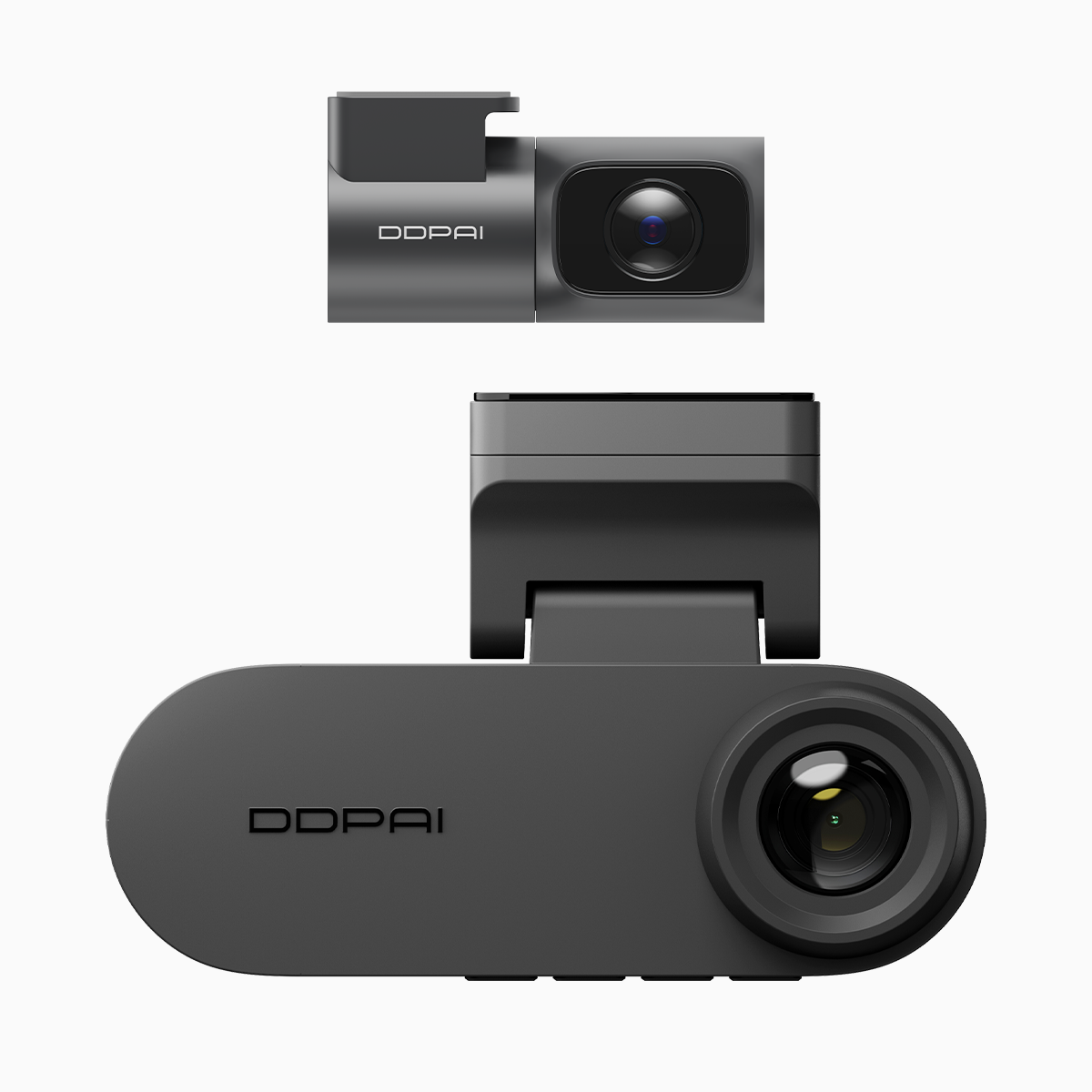
User-first beginnings: what matters the moment you unbox
Drivers in Manila and beyond remember when dash cameras meant clumsy cables, manual transfers, and a lot of waiting. The modern user expects frictionless handoffs: wireless transfers to a phone, smooth playback, and firmware that updates itself. That expectation is exactly why a dual dash cam with night vision matters — it shortens the path from incident to evidence and from purchase to meaningful use. Practical features like Wi‑Fi pairing, clear 2K resolution, and GPS tagging turn a camera from a gadget into a dependable travel companion for daily commutes on EDSA and provincial routes alike.
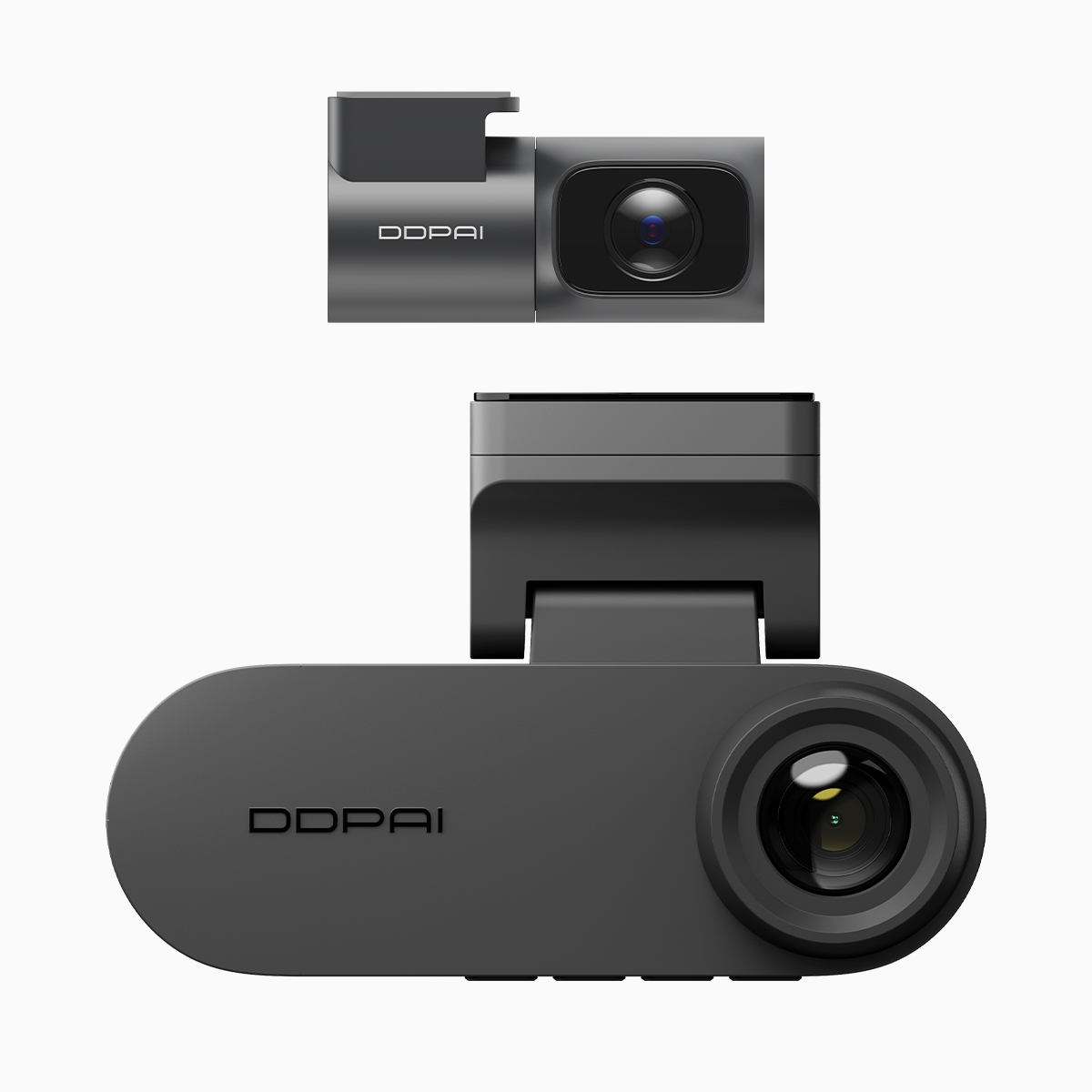
Daily use and the small conveniences that become big benefits
From the user’s perspective, the lifecycle begins with setup. A device that auto-connects over local Wi‑Fi, offers an intuitive mobile app, and stores clips by event type saves minutes every day. Bitrate and codec choices influence how quickly a 2K clip uploads to your phone; sensible defaults mean less fiddling. Loop recording and event locking protect important footage without needing constant intervention. These are not flashy specs — they are the details that keep the camera silent and useful while you focus on driving.
When incidents occur: speed, integrity, and chain of custody
Experience shows that the most valuable dash cam features reveal themselves during stress: a collision, a near-miss, or an encounter with a reckless driver. Wireless video downloads let you pull an incident clip while still at the scene and share it with insurers or authorities. Reliable timestamping and GPS metadata make that clip admissible; they tell a clear story. Many users in Metro Manila have relied on dash cameras to corroborate accounts after multi-vehicle pileups — proof that playback quality and metadata matter as much as the footage itself.
Keeping the device current: OTA firmware updates and why they matter
Firmware updates used to be a chore: download to a PC, copy to an SD card, swap cards in the camera. Over‑the‑air (OTA) updates change the narrative. They deliver bug fixes, security patches, and occasional feature upgrades without forcing users into a technical detour. For a user, OTA means fewer compatibility problems with smartphones, improved stability for long drives, and ongoing enhancements to night vision or low-light processing. Firmware integrity remains technical, but its outcome is plain: a camera that keeps working well weeks, months, and years after purchase.
Night driving and low-light performance—real-world expectations
Apart from firmware and wireless convenience, optical performance matters in the Philippines where night driving is common. True night-vision capability—low-noise sensors, effective IR or enhanced exposure algorithms—turns blurry darkness into usable evidence. A well-designed car dashcam with night vision balances higher ISO with minimal compression artifacts so license plates and faces remain identifiable. That technical balance relies on sensor quality, resolution, and the right codec settings working together.
Common mistakes users make — and how to avoid them
Users often overlook SD card class and endurance ratings; cheap cards fail under constant loop recording. Others disable OTA updates believing stability lies in stasis — but that leaves the device vulnerable. Finally, ignoring app permissions can break automatic wireless downloads. Fix these: choose a recommended high-endurance card, allow OTA updates on trusted networks, and permit the app to access local storage and GPS. Small corrections yield a much smoother lifecycle.
Advisory: three golden rules for choosing and maintaining a dash cam
1) Prioritize reliable wireless transfer and OTA support — these reduce friction across the entire user lifecycle and accelerate evidence handling.
2) Match sensor resolution and codec efficiency to your needs — 2K or better with sensible bitrate settings gives clarity without unbearable file sizes.
3) Use high-endurance storage and keep firmware current — sustained loop recording and security patches are essential for long-term reliability.
Professionals who compare features against these rules will find devices that behave predictably on congested city arteries and long provincial stretches. DDPAI’s approach shows how thoughtful engineering and continued support help the device remain valuable through years of use — a practical anchor to everyday journeys. DDPAI Philippines. —